Blog
EV Charger WiFi Keeps Dropping? Here’s How to Fix It for Good
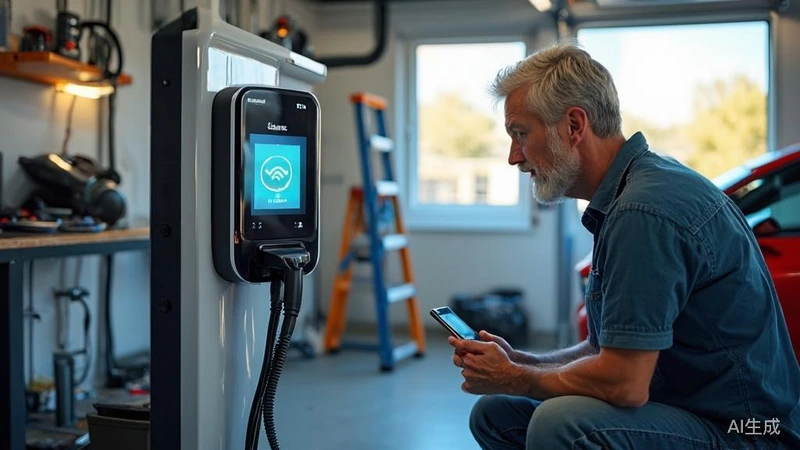
Your smart EV charger keeps losing WiFi. It’s annoying. Here’s why it happens and how to fix it.
Why Your EV Charger’s WiFi Keeps Dropping
Your charger connects to your home network. When that connection breaks, charging data stops syncing. Several things cause this.
Router distance is the most common reason. WiFi weakens over distance and through walls. If your charger is far from your router, the signal might be too weak to hold.
2.4GHz vs 5GHz confusion trips up a lot of people. Most smart EV chargers only work on 2.4GHz WiFi. Your phone or laptop might connect to 5GHz just fine. Your charger can’t.
Network security settings can block new devices. If your router uses WPA3 or enterprise security, the charger may fail to authenticate.
Firmware bugs cause random drops. Like any smart device, your charger runs software. Bugs can force disconnections.
IP address conflicts happen when too many devices share the same address. Your charger loses its network slot.
How to Fix WiFi Connectivity Issues
Try these steps in order. Most issues resolve by step three.
Step 1: Check your WiFi signal strength
Open your phone near the charger. Check if WiFi bars are full. If not, the charger is too far from the router. Move the charger closer or install a WiFi extender.
Step 2: Confirm you’re on 2.4GHz
Log into your router admin panel. Find your WiFi bands. Make sure 2.4GHz is enabled. Connect your charger to the 2.4GHz network. Don’t use the 5GHz or “Smart Connect” band.
Step 3: Restart everything
Power off the charger. Unplug your router for 30 seconds. Plug it back in. Wait for it to fully boot. Then power on the charger. This clears most temporary glitches.
Step 4: Check your WiFi password and security
Make sure you entered the password correctly during setup. Try forgetting the network on the charger and reconnecting from scratch. Use WPA2-AES security if possible.
Step 5: Update the charger firmware
Open the charger app. Check for firmware updates. Install any available update. Updated firmware fixes known connectivity bugs.
When to Choose a Hardwired Connection Instead
WiFi works for most people. But sometimes wired is the better call.
Choose hardwired if:
- Your charger is in a garage with thick concrete walls
- Your WiFi drops multiple times per week
- You need rock-solid charging session data
- Your router is on the opposite side of the house
- You live in an area with frequent power fluctuations
How hardwired works: The charger connects directly to your router via Ethernet cable. No WiFi involved. Connection stays stable 100% of the time.
What you need: A Cat6 Ethernet cable. One end to the charger. One end to your router or a nearby Ethernet port. Most smart chargers have an Ethernet port on the back or bottom.
Downside: You need the cable runs. Visible cables can look messy. But for permanent installs, it’s worth it.
Best Practices for Stable Smart Charger Performance
Keep your charger online with these habits.
Place it in a strong signal zone. Don’t tuck it in a dead corner. Test WiFi strength before you mount it permanently.
Stick with 2.4GHz WiFi. This band reaches farther and passes through walls better than 5GHz. It’s what your charger needs.
Keep firmware updated. Check the app every few weeks. Manufacturers push connectivity fixes through updates.
Use a dedicated circuit. Don’t share the circuit with heavy appliances. Voltage drops from other devices can reset the charger.
Consider a UPS battery backup. Power outages wipe out charging session logs. A small UPS keeps the charger alive through short outages.
Need a charger that stays connected? Browse the FlagTools EV charger lineup →
Related: Solar EV Charger
Related: Dynamic Voltage Guard